
Guide, Playbook Or Download
The BAAS One-Page Guide
A concise guide to how BAAS turns disconnected tools, manual work, and ambitious ideas into practical business systems.
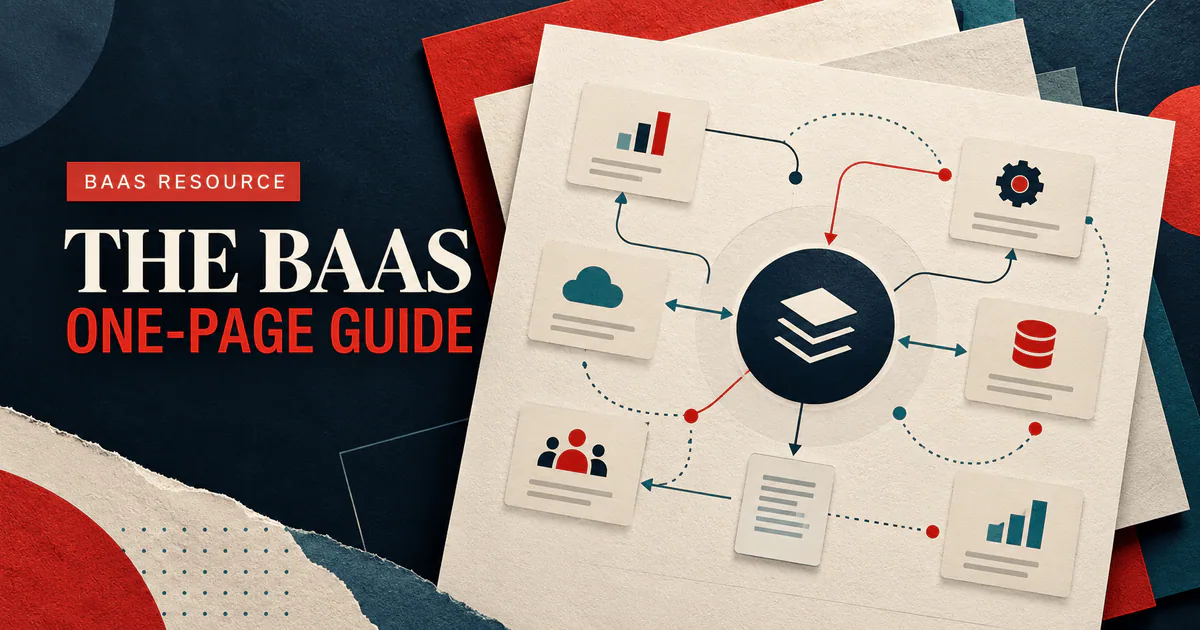
The BAAS One-Page Guide
BAAS helps organizations turn operational friction into connected, practical systems. That may mean a focused automation, a customer-facing portal, clearer reporting, a custom application, or a coordinated mix of all four.
This guide explains what that work looks like, when it is worth considering, and how to prepare for a productive first conversation.
What BAAS Actually Does
We design and build the connective tissue between your people, customer experience, data, and day-to-day work. The goal is not to add more software. It is to make the operation easier to understand and run.
Depending on the problem, that can include:
- custom websites, portals, internal tools, and business applications;
- workflow automation that removes repetitive handoffs and duplicate entry;
- lead capture, follow-up, pipeline, and customer communication systems;
- dashboards and reporting built around decisions your team actually makes;
- artificial intelligence applied to a specific, reviewable business task; and
- integrations that let existing tools exchange the right information reliably.
When A Custom System Is Worth Exploring
You do not need custom software simply because a process is imperfect. It becomes worth exploring when the friction is repeated, consequential, and difficult to solve with configuration alone.
Common signals include:
- the same information is copied between email, spreadsheets, and several apps;
- customers cannot see status without calling or messaging your team;
- important work depends on one person remembering the next step;
- reporting requires manual cleanup before anyone trusts it;
- a generic platform forces the team into workarounds that keep multiplying;
- growth is adding administrative effort faster than revenue; or
- you have a strong digital product idea but need a realistic path from concept to release.
How The Work Moves From Idea To Outcome
1. Discover
We clarify the business outcome, users, workflow, systems, constraints, and evidence of success. Discovery should reduce uncertainty and expose the decisions that matter most.
2. Shape The First Release
We turn the findings into a practical blueprint: what to build first, what can wait, how information should move, and where risk needs to be tested early.
3. Build In Visible Steps
The system is designed and implemented in reviewable increments. Your team sees working progress, answers concrete questions, and can correct assumptions before they become expensive.
4. Launch, Learn, And Improve
Launch is the beginning of useful evidence. We verify the workflow, support adoption, measure results, and prioritize improvements based on real use.
What To Bring To The First Conversation
You do not need a formal specification. Bring the clearest version of what you know:
- the problem or opportunity in plain language;
- who experiences it and how often;
- the current steps, tools, and workarounds;
- examples of the information, forms, emails, or reports involved;
- important timing, budget, security, or compliance constraints; and
- the result that would make the investment worthwhile.
Unknowns are welcome. Discovery exists to turn them into decisions.
What You Should Expect From A Good Technology Partner
A useful partner should challenge assumptions without dismissing operational knowledge. They should be able to explain tradeoffs plainly, distinguish launch needs from later ideas, make risk visible, and connect technical choices to business outcomes.
Before committing, ask:
- How will you learn the workflow before proposing the solution?
- What will we be able to review during the build?
- How do scope changes and new information affect priorities?
- Who owns the code, content, data, accounts, and documentation?
- How will security, access, backups, and maintenance be handled?
- What happens after launch?
The Short Version
Start with the outcome. Understand the operation. Build the smallest complete system that creates real value. Make progress visible. Measure what changes. Improve from evidence.
That is the BAAS approach in one page.
Start A Project ConversationSee What BAAS Builds